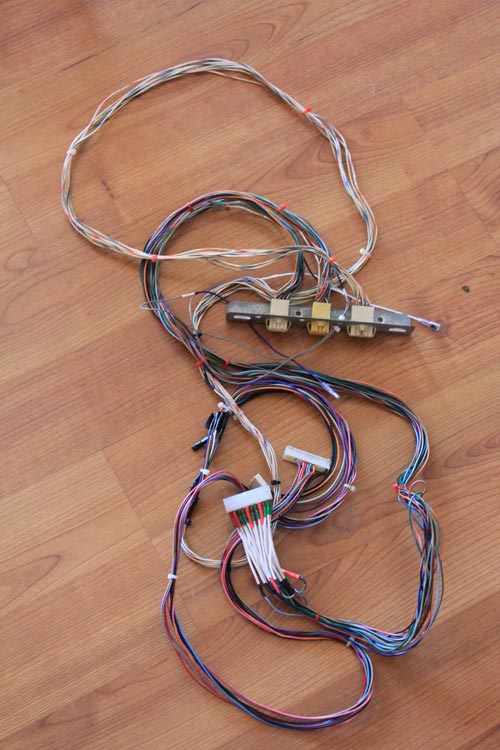
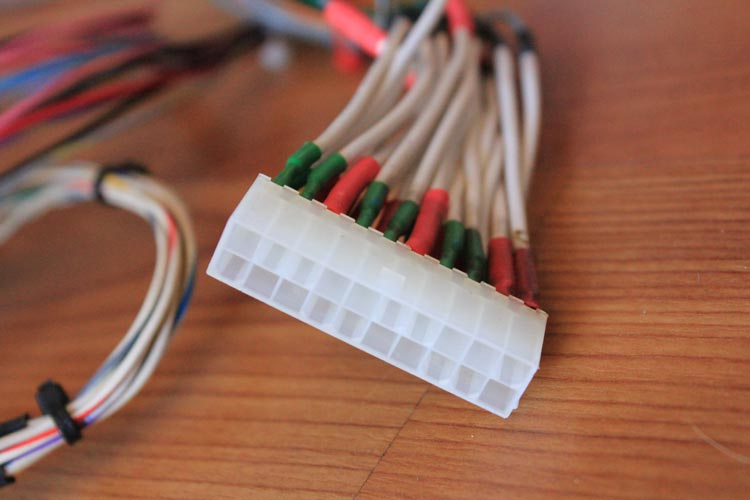
Overhauling the Sega Astro City – Part 3, monitor replacement

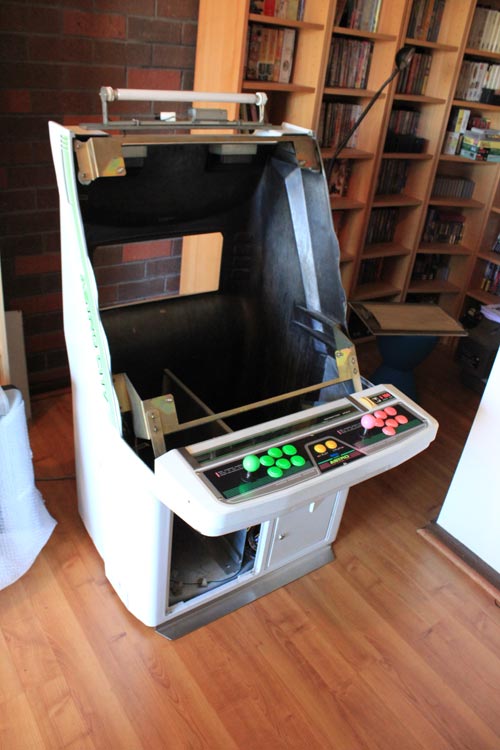
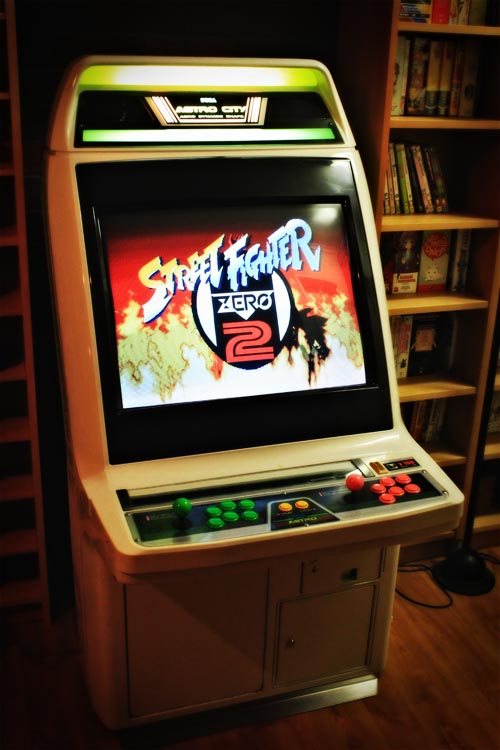
Continuing on from part 2 of this series, let’s move on to part 3, which is probably the most expensive one – replacing the monitor in my Sega Astro City.

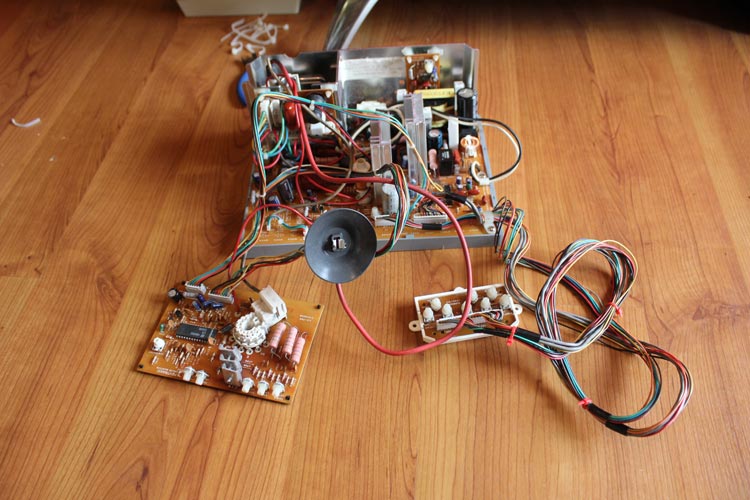
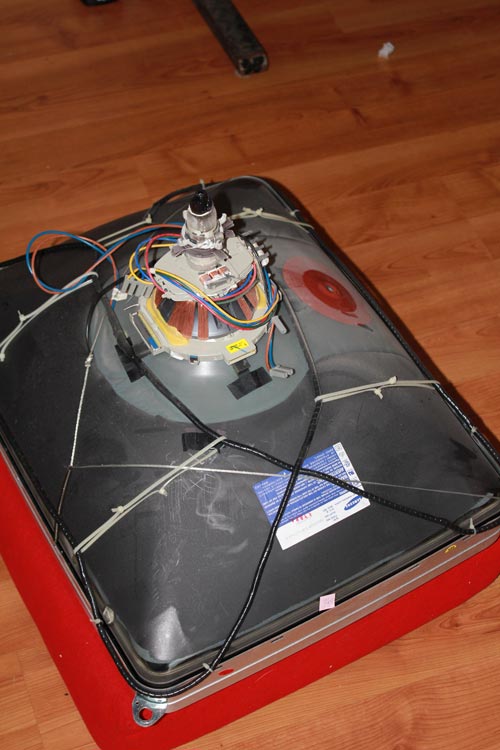
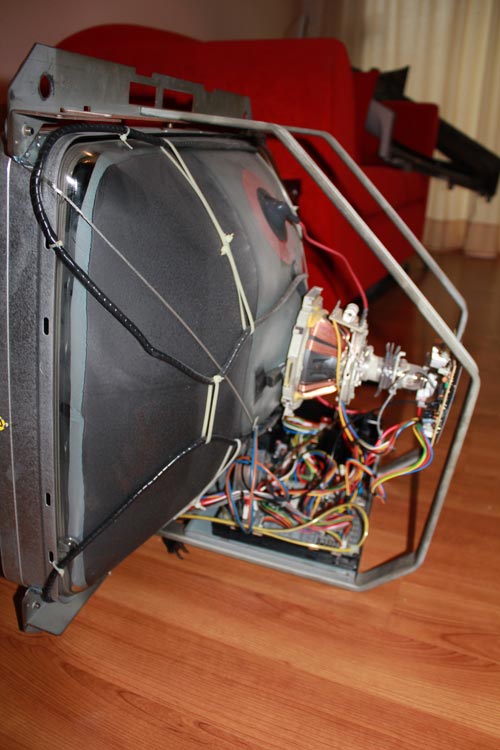
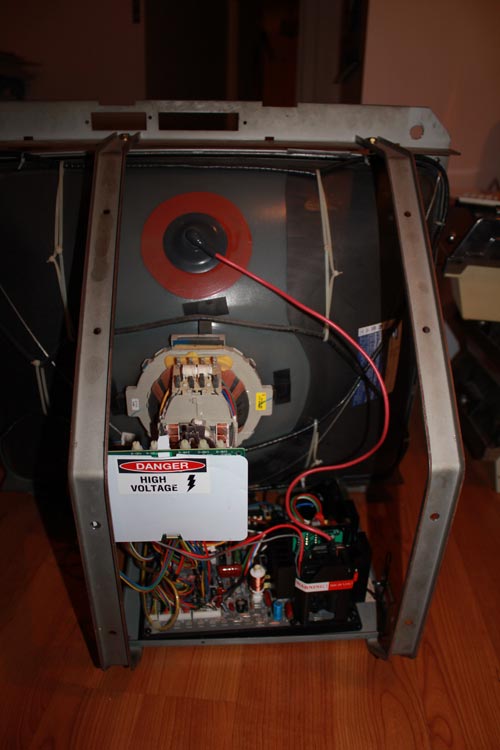
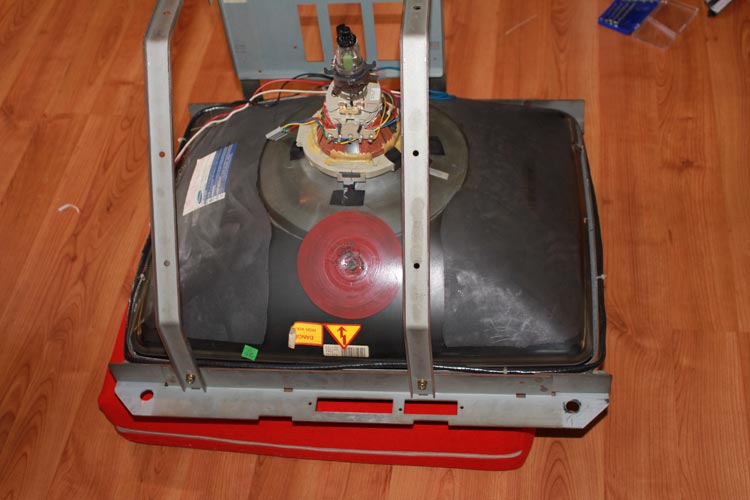
The problem I’ve had for a while now has been with some persistent issues regarding convergence and clean lines on the existing monitor, but the main issue I’ve had is knocking out some nasty interference on the tube from what looks like some omnipresent unshielded speakers. Despite attacking it with a degaussing wand, I haven’t been able to permanently shift it, and talking to a few ops and techs, I’ve been told the tube’s probably on the way out. Given the machine’s originally from Japan (though the tube’s been changed since it made it’s way to local shores I’d hazard at a guess, given the dodgy chassis driving the tube before I switched to a genuine Pentranic dual-resolution chassis) and has made it’s way across the country, this isn’t surprising.

So, what to do? I floated the idea of grabbing a big 29″ tri-res tube and use that, but the issue with going this way are that 15k games (which are the majority of arcade games out there) generally look a bit rubbish on most tri-res chassis’ compared to a 15k or 15k/24k chassis, and the cost of the tube (well, tube + postage) is enormous. So, what to do?

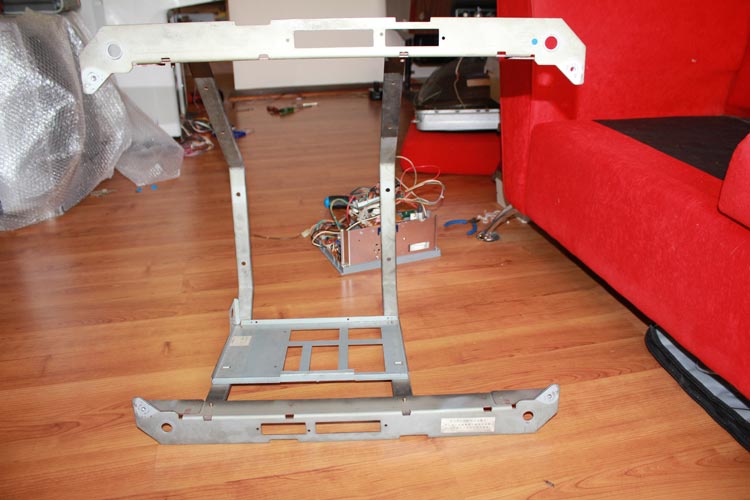
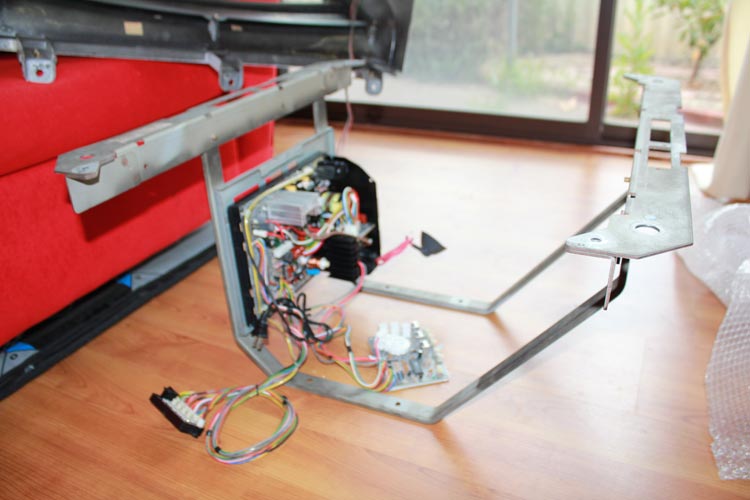
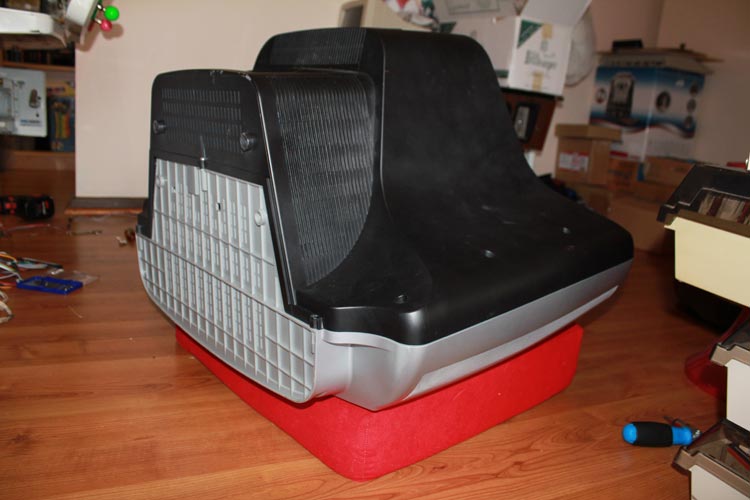
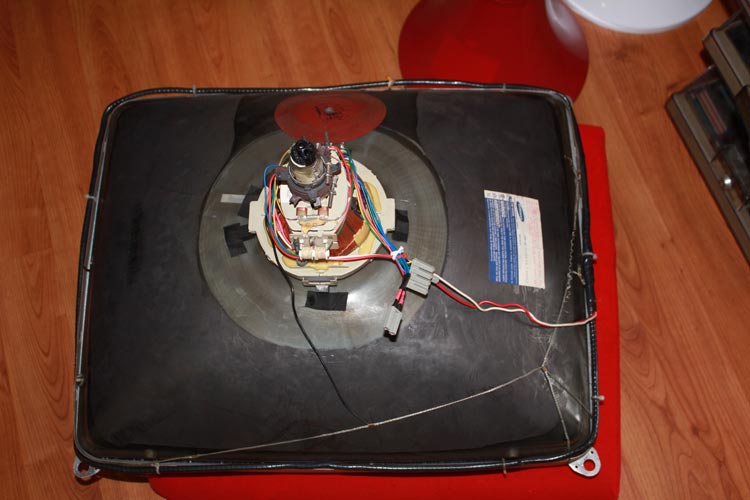
After asking around at Aussie Arcade, I found out that Jomac can do a 29″ universal chassis that can be used on old TV tubes. So, given a 68cm TV will suit a 29″ tube frame, the prospects get much better. Given the relatively negligible cost of CRTs at the moment (a lot of my fellow arcade fanboys at AA are pros at nabbing working tubes off the side of the road during hard rubbish!), I managed to nab one for pretty much nothing that’s in great physical condition and a prime candidate for plonking into my cab. All I need now is a uni chassis to suit (I’ve already checked in with Jomac and he’ll be able to sort me out), and I’ll be fine to go. Given I’ve already had plenty of practice hooking up chassis components to tubes when my old generic chassis died last year (including safely discharging the tube), the job shouldn’t be too tricky.

So, this means I’ll be able to swap out the old tube for a relatively new one, pair it with a nice 15/24k universal chassis, and be up and running with a great little setup. Definitely makes for an easier and more cost-effective way of swapping tubes around, and will leave me with a working 15/25k Pentranic CH-288 chassis I can either hold on to, or sell off to offset the cost of the new chassis.

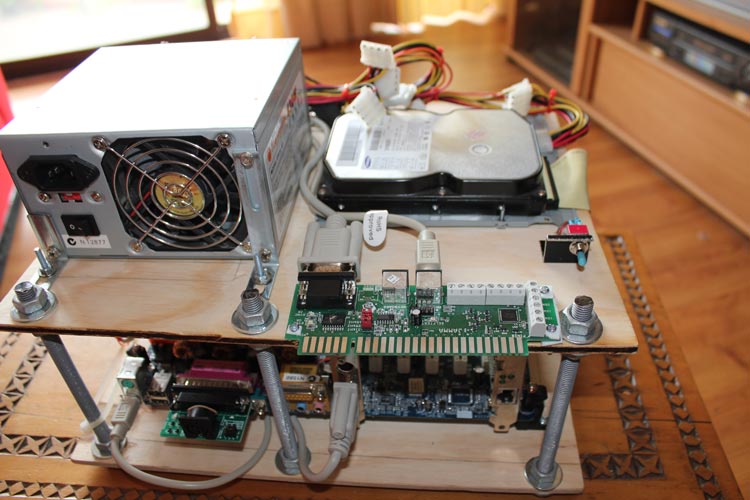
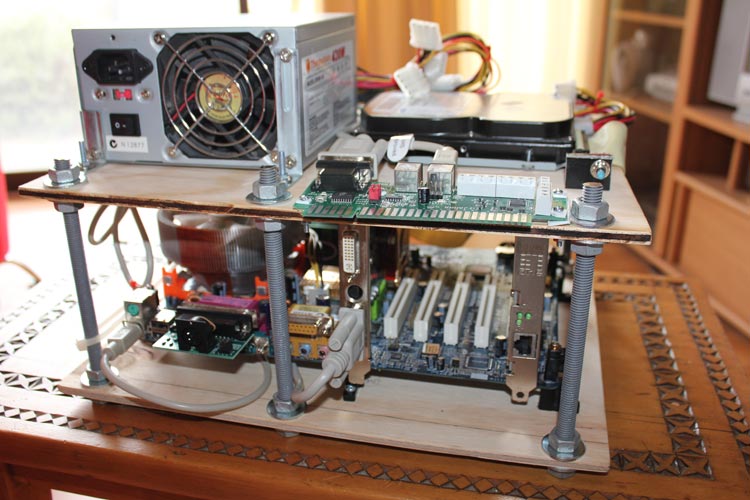
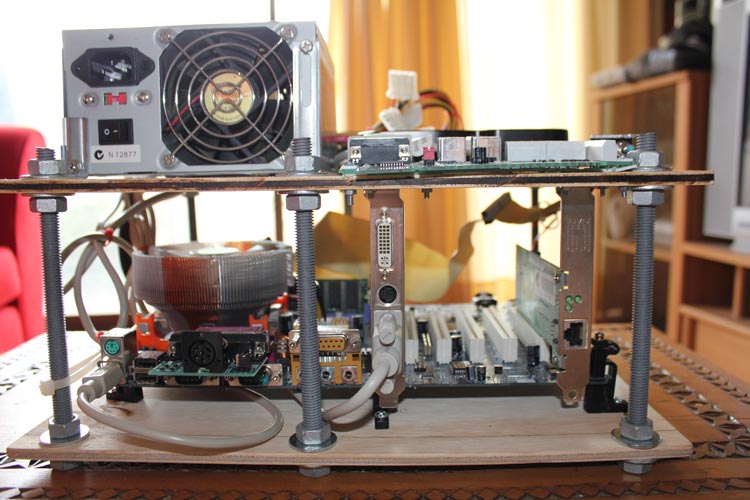
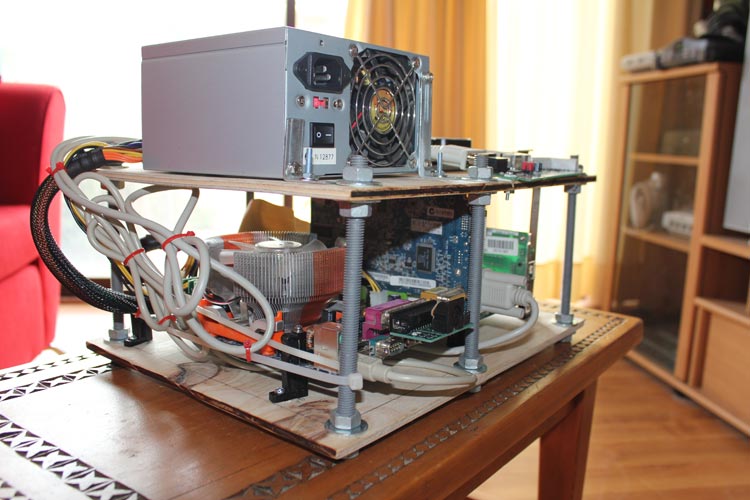
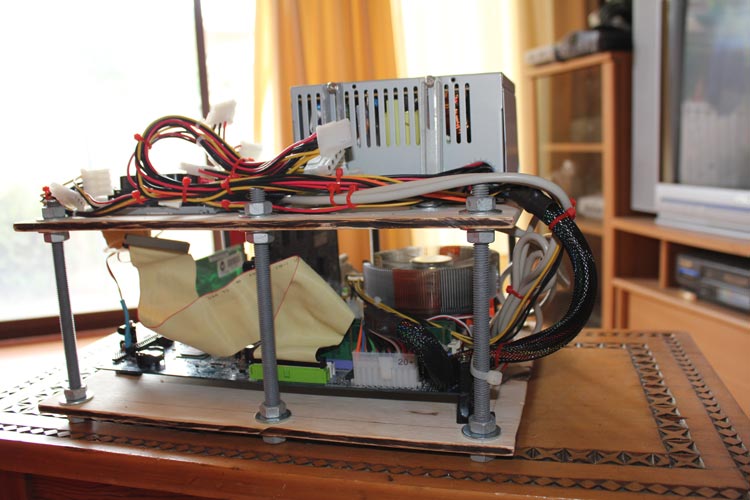
So that’s part 3 – part 4 will deal with more scope creep, this time involving the addition of some old PC parts.

To keep track of the whole project, just use the Sega Astro City Overhaul tag – the whole series will be added to it over time.
  • Share/Bookmark

Overhauling the Sega Astro City – Part 2, audio amplification and fans

I’ve already got the ball rolling in part 1 of this series, so let’s move on to part 2 – audio amplification and fans.

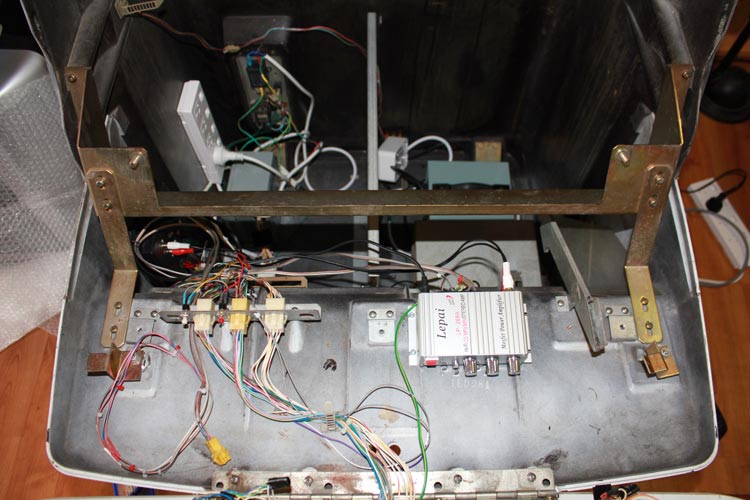
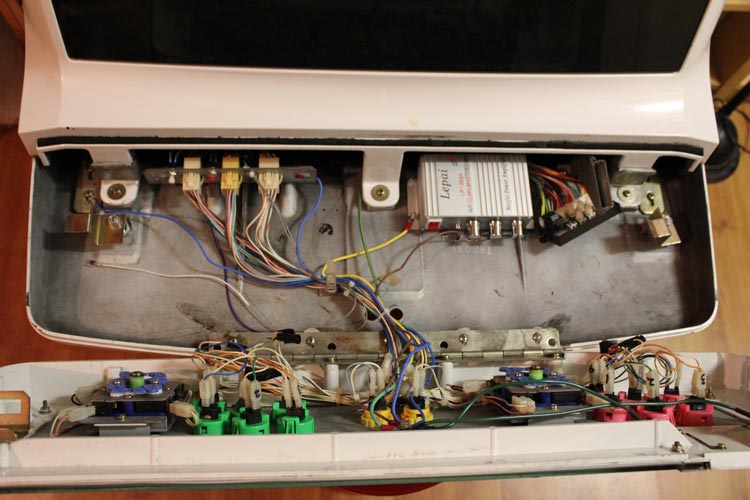
In line with the previous post, I want to add a way to have a stereo amp in the cabinet to take care of line-level sources and enhanced stereo sound (e.g. Naomi, CPS-II, Sega Model 3, etc). So, in the spirit of making the cab as universal as possible, I need to look at adding in a small amp that can be switched on or off as required, and be able to direct either amplified sound off the JAMMA cable or amplified stereo output as required. So, this is what I’ve come up with:

Audio wiring

It’s not all the difficult – I’ll need to rewire the 4-pin connector that goes from the speakers at the top of the cab so that they’re separated into stereo channels, then create a little switch to roll between a split dual-mono amplified output (from the JAMMA harness) or stereo output from the stereo amp, which in turn is powered off a 12v source (with switch to control when it’s on) and grabs its input directly from the PCB (Naomi, Model 2, etc).

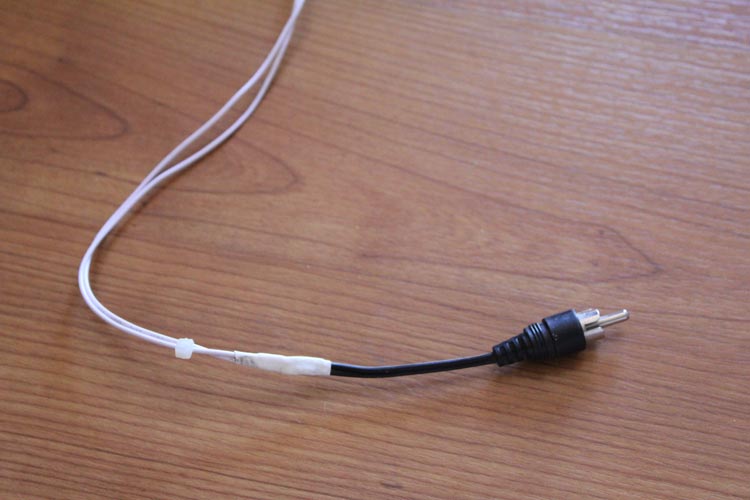
This then means the audio can be setup in the cab when inserting a new board. All I’ll need are a pair of stereo RCA cables to run form the CPS-II or Naomi boards (and make a stereo RCA adapter for the Model 2/Model 3 boards) and run them off a pair of 12v mono amps I already have around the place, and I should be good to go.

The other addition I’d like to add is a stereo controller I can mount on the cab to adjust the output before it goes to the speakers as required – there’s currently a cheap knob the previous op added to give this kind of functionality, but it’s not a true stereo actuator, and doesn’t do much except distort the audio :P

Of course, the great thing with this setup is that it won’t cost much at all to add this kind of functionality. To make it clean though, I’ll plonk the lot into a small project box and mount everything inside it. This way, I can use the same project box to run a 12v switch to selectively power the 12v fan I got with my Model 3 kit before. And to make sure I don’t mangle my hand again, I’ll also grab a pair of 120mm fan guards to avoid any more stupidity :)

Thus ends part 2 – part 3 will deal with the lovely scope creep and deciding what to do with my monitor :D

To keep track of the whole project, just use the Sega Astro City Overhaul tag – the whole series will be added to it over time.
  • Share/Bookmark

Overhauling the Sega Astro City – Part 1, power supplies

I’ve been meaning to write something up on this long-winded project for a while now, so here I go – not sure how many parts there’ll be to this job, so we’ll just have to wait and see :)

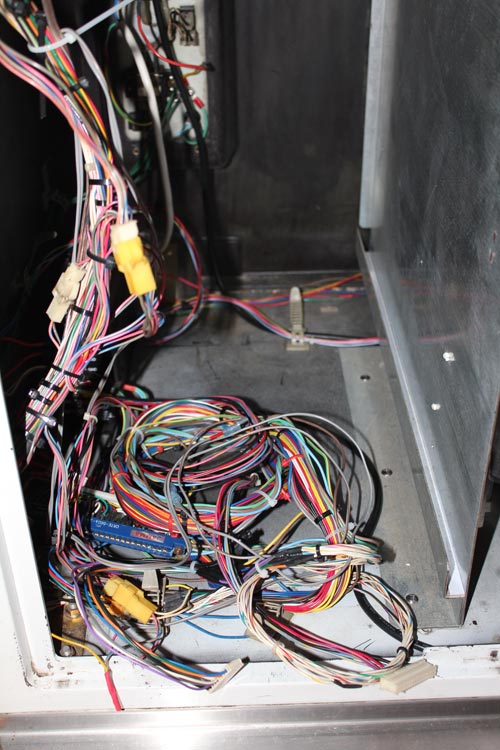
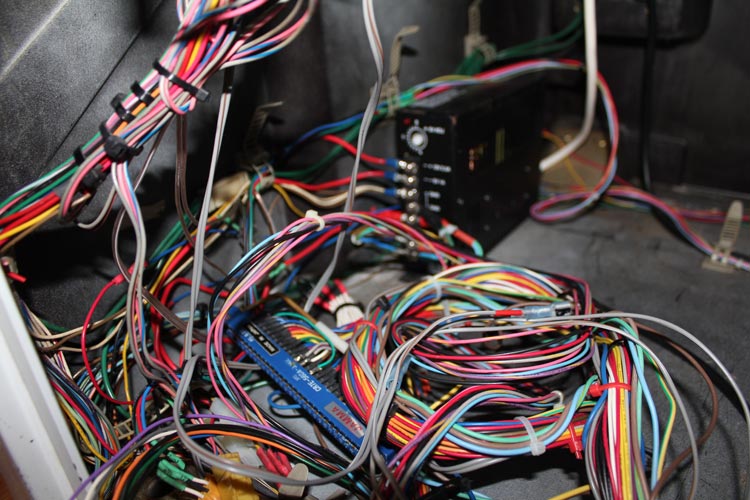
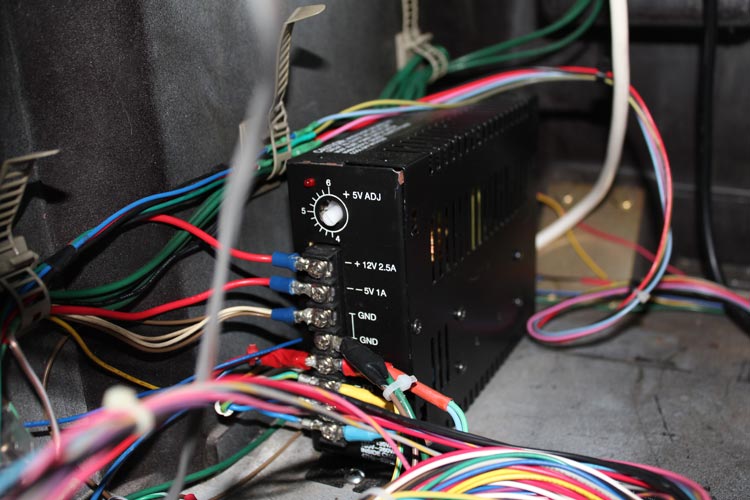
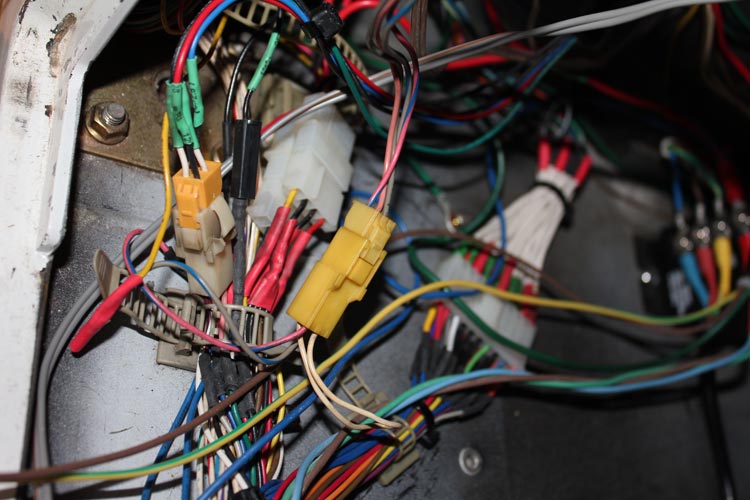
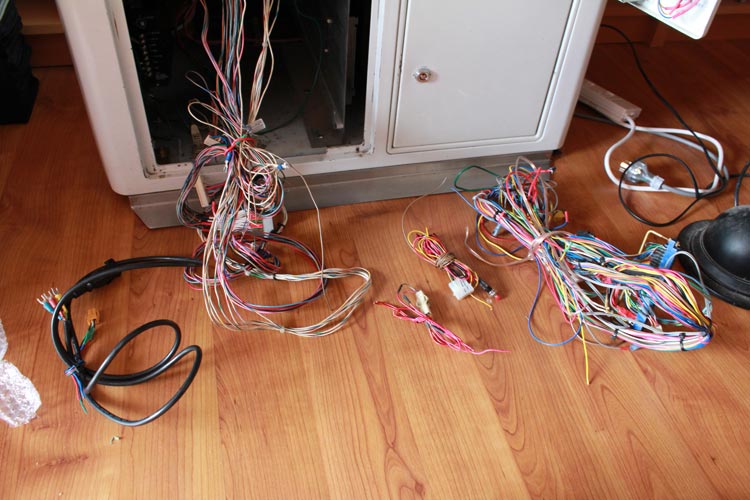
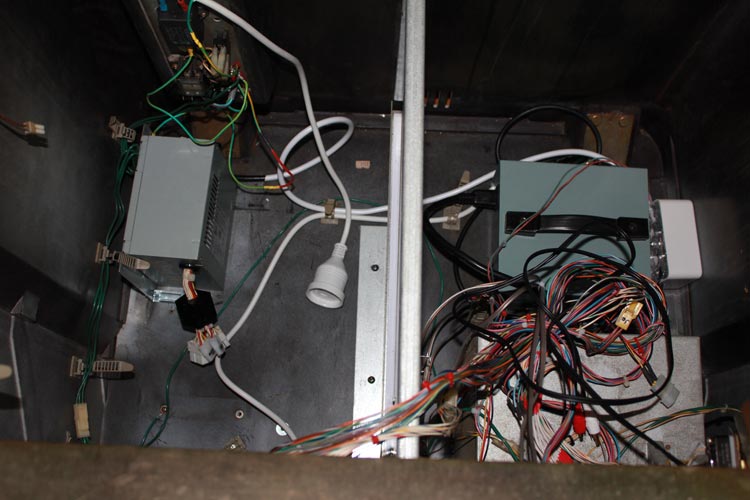
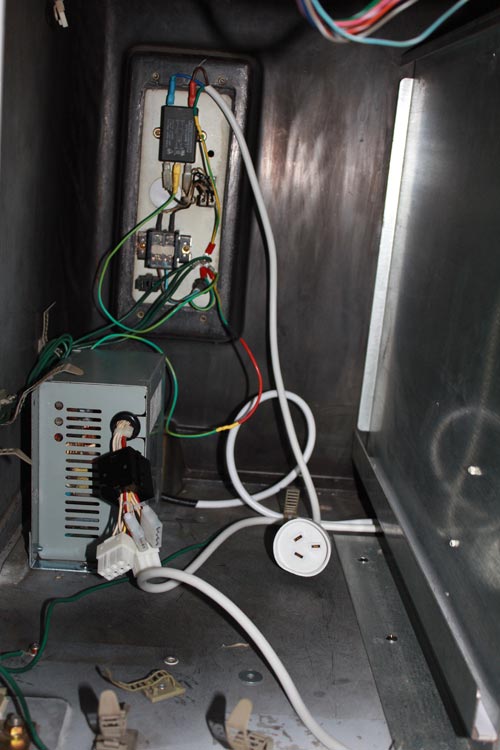
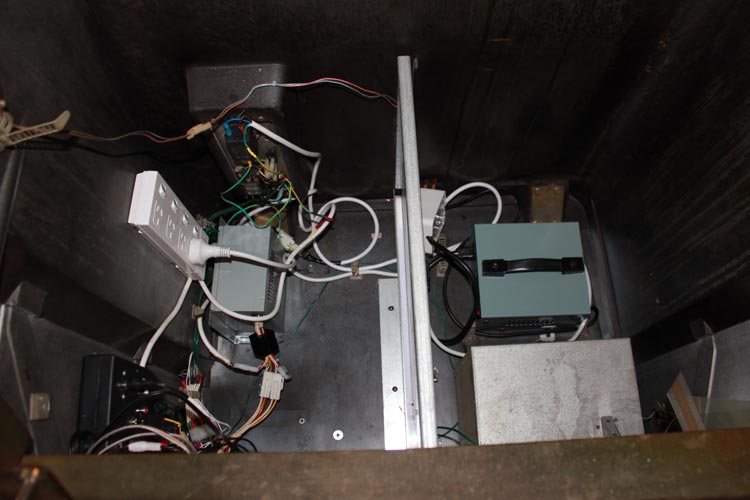
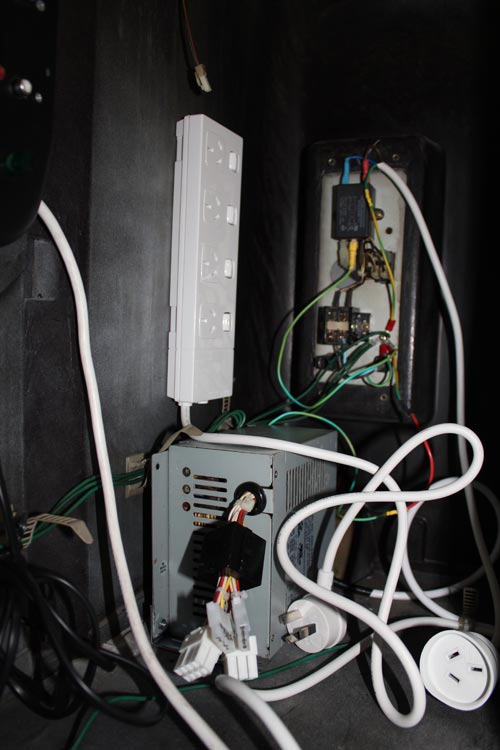
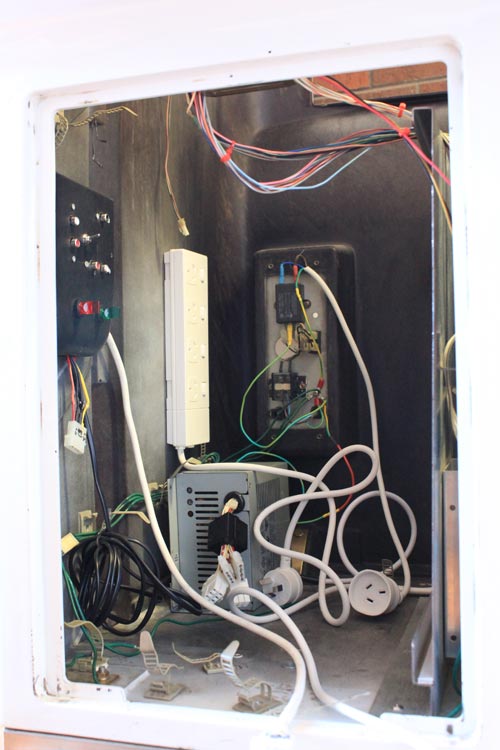
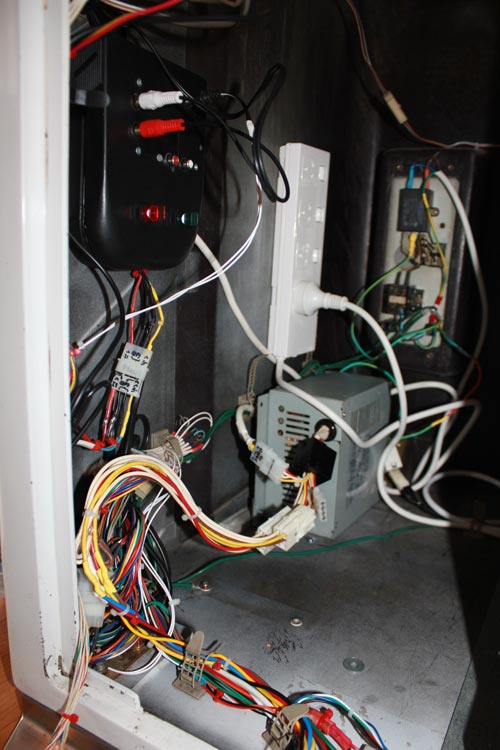
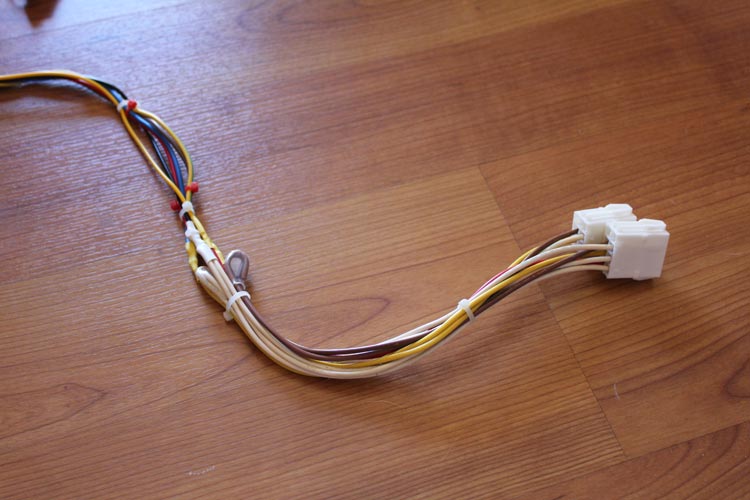
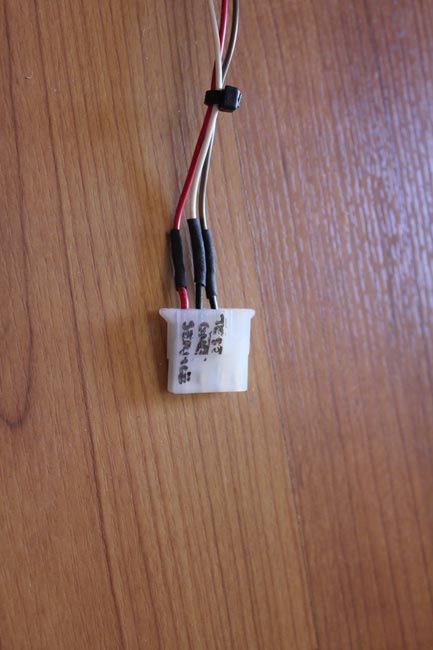
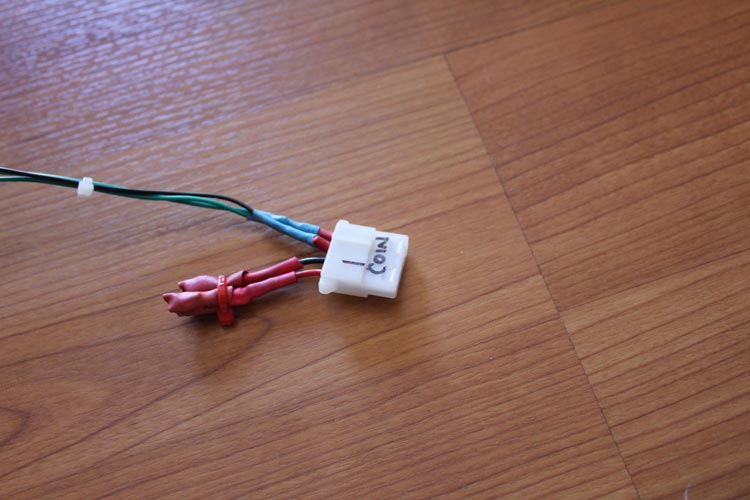
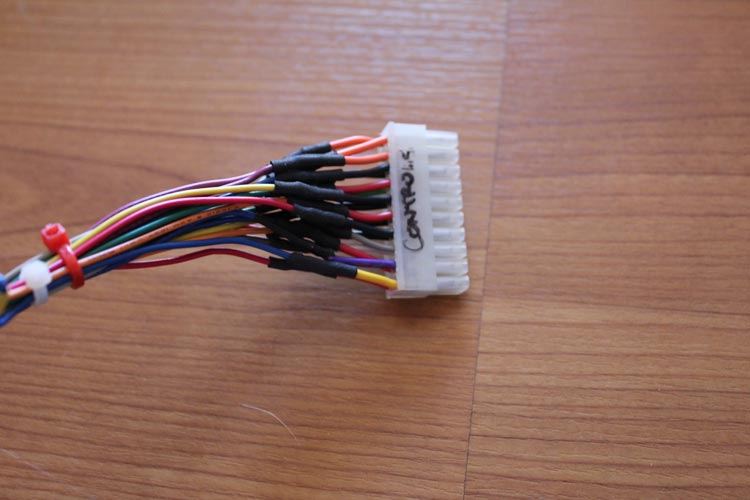
I’ve recently been looking at the existing setup inside my Astro, and can’t help but feel that it needs some work. The wiring is a bit of a rat’s next at times, I don’t know where all the cabling’s going, I’ve had to beef up to wiring on the 5v connections to increase the PSU’s output, the PSU itself is on the way out, as is the existing arcade monitor.

Where things got to a bit of a head was with regards to power issues – I’ve recently grabbed a Naomi and currently have a couple of Model 2 and Model 3 boards that need a reasonable amount of juice on tap. So, I figured that maybe I should investigate rewiring the way the power supply worked. The problem here was finding a power supply that couple happily take everything from a mid-80s PCB all the way through to resource-hungry Model 3 and Naomi setups. This left me with two options:

Option 1 – Parallel PSUs

Parallel 3 PSU wiring

In this case, I’m taking the 240v AC supply, chaining it across my existing 15A arcade PSU, chaining it to another 15A PSU and finally chaining it to a 3.3v PSU I bought a while back. From here, I then wire it to a distribution block, which connect to suit Naomi, Model 2/3 or JAMMA.

The pros with this is that all I need is another PSU (cheap and accessible), it runs off 240v (no need to run it through the transformer), and doesn’t require too much tomfoolery.

However, against this is – will it actually work on games that need a full load? What if one fails? Is it really safe to be mixing too PSUs together to get this kind of power distribution.

This then leads to option 2:

Option 2 – Dedicated PSU

Sega SUN PSU wiring, original plan

In this case, the aim is to grab a Sega Sun power supply, since they are great pieces of kit and are certified to power anything you can throw at them.

There are some challenges with this – cost (they’re more expensive and more difficult to get locally), only 110v (therefore would require some extra work on hooking it into the transformer), no -5v output.

In the end though, I decided to go for the above setup – fork out the extra for the PSU, grab a Negatron to introduce a true -5v connection where necessary for older boards, and run them all off a distribution block.

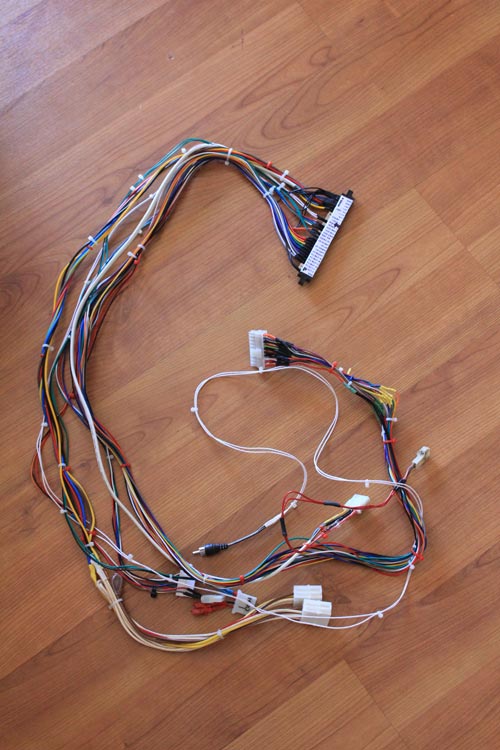
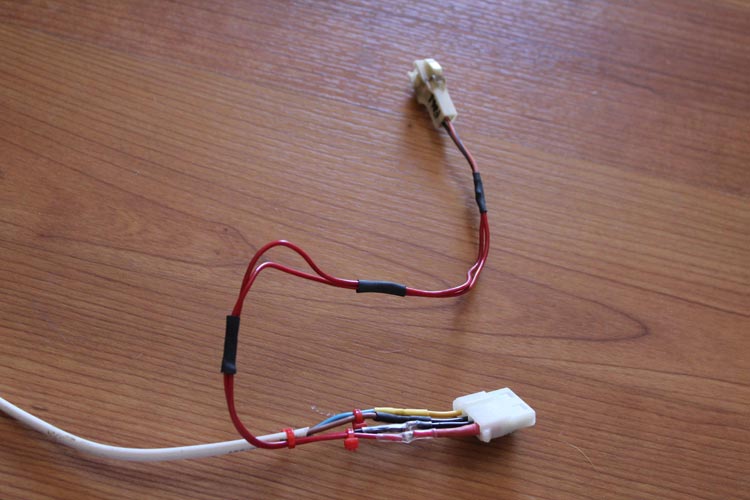
However, after chatting with some more experienced arcade builders, I decided to change the model a little – instead of having a big distribution block, I decided to simply create a handful of male JST plugs for each connection (e.g. JAMMA, Model 2/3 and use standard cabling for the Naomi) and hook them directly into the JST power plugs on the PSU. The following is the final run:

Sega SUN PSU wiring, take 2

So, I figured if I was going to start rewiring some areas of the cabinet to accomodate the PSU and make the whole setup more universal, there are two other factors to consider – amplification for line-level sources and getting the 12v fan from the Model 3 setup up and running when needed – you’ll see these (as well as switches to accomodate them and the Negatron when needed) have been added to the above diagram.

But I’ll stop here before I get too carried away – part 2 will deal with more of the planning behind this project.

To keep track of the whole project, just use the Sega Astro City Overhaul tag – the whole series will be added to it over time.
  • Share/Bookmark

Calendar

September 2010
M T W T F S S
« Aug    
 12345
6789101112
13141516171819
20212223242526
27282930